
The Complete Guide to Orchestrating Multiple Claude Code Agents
How to run parallel AI coding agents that research, plan, implement, and review—without chaos. Development time dropped by 60%.
The Complete Guide to Orchestrating Multiple Claude Code Agents
How to run parallel AI coding agents that research, plan, implement, and review—without chaos.
Last month, I was staring at a backlog of 12 features, 8 bug fixes, and a deadline that felt impossible. Then I discovered something that changed my workflow: running multiple Claude Code agents in parallel.
Not sequentially. Not one at a time. Five agents, working simultaneously on different branches, coordinating through shared task files, merging into a review queue that I could process in batches.
Development time dropped by 60%. Here's exactly how I set it up.

The Core Problem: Context Exhaustion
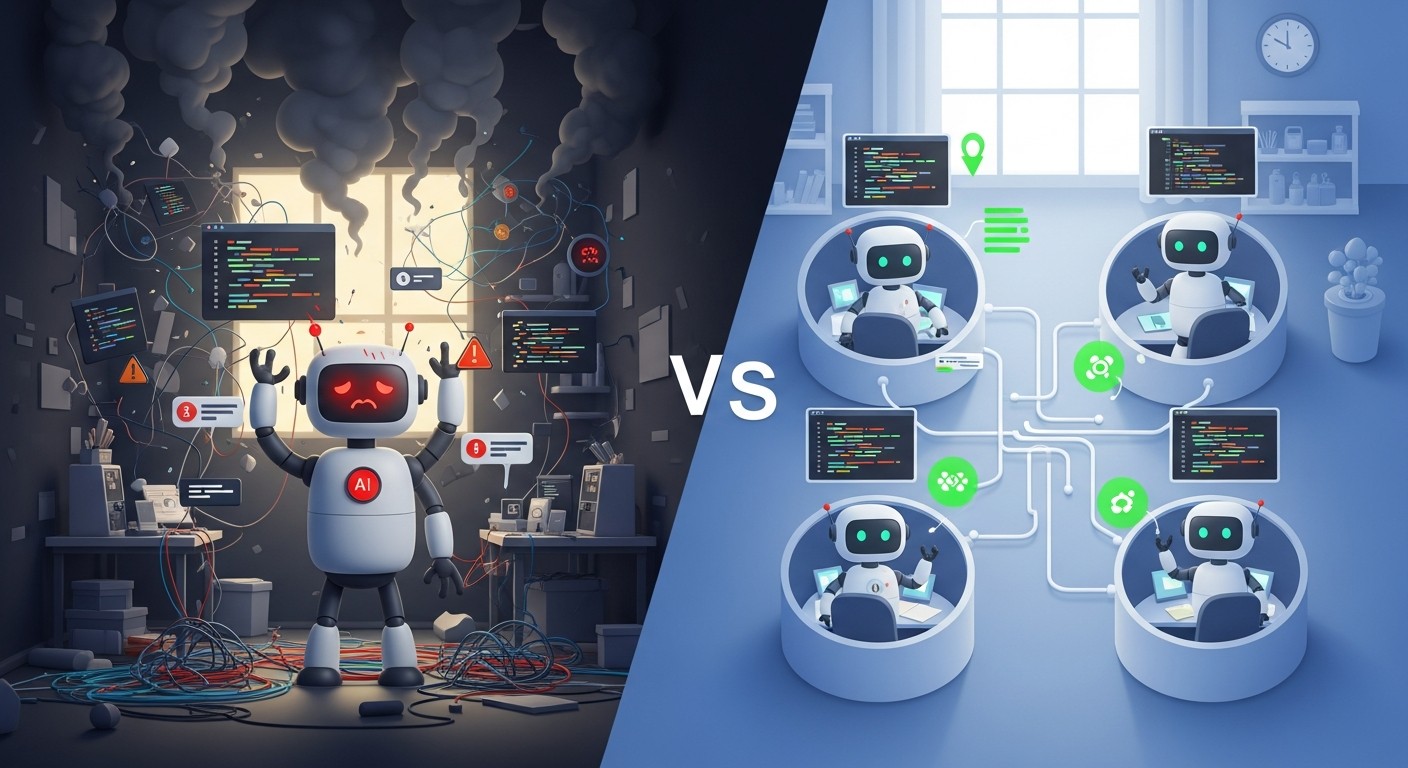
When you ask a single Claude session to handle everything—research the codebase, plan the implementation, write the code, write the tests, update the docs—it eventually loses coherence. The context window fills up. Details slip. Quality degrades.
The official documentation puts it clearly: "If you asked a single AI agent to perform a complex, multi-stage task, it would exhaust its context window and start losing crucial details."
The solution isn't asking Claude to work faster. It's distributing work across specialized agents, each with its own focused context.
Architecture: Isolation + Specialization + Coordination
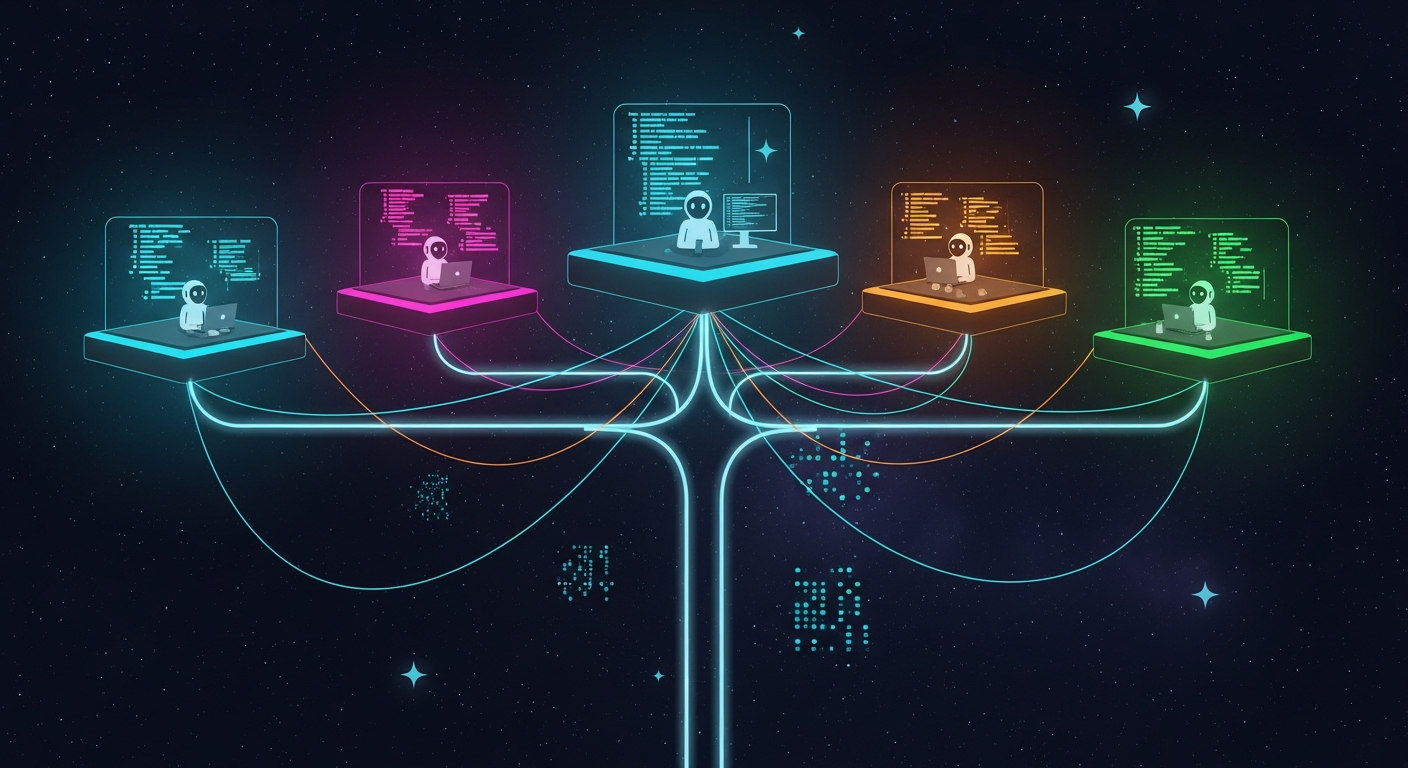
The multi-agent architecture has three layers:
Isolation: Each agent runs in its own environment—git worktree for filesystem isolation, subagent for context isolation.
Specialization: Each agent has constrained tools and focused prompts. The Architect researches. The Builder implements. The Validator tests. The Scribe documents.
Coordination: Shared task files track status, dependencies, and ownership. Completing one task automatically unblocks dependent tasks.
Step 1: Set Up Git Worktrees
Git worktrees let you check out multiple branches into separate directories. Each becomes an independent workspace.
# Create worktrees for each workstream
git worktree add ../project-feature-auth -b feature-auth
git worktree add ../project-feature-dashboard -b feature-dashboard
git worktree add ../project-bugfix-123 -b bugfix-123

# List all active worktrees
git worktree list
Now you can open each directory in a separate terminal with its own Claude Code session. Changes in one worktree don't affect the others.
When a branch is merged, clean up:
git worktree remove ../project-feature-auth
git worktree prune  # Clean stale references
Step 2: Create Specialized Subagents
Claude Code's subagent system lets you define specialized agents with constrained tools and custom prompts.
Create .claude/agents/code-reviewer.md:
---
name: code-reviewer
description: Reviews code for quality and best practices. Use proactively after code changes.
tools: Read, Glob, Grep, Bash
model: sonnet
---

You are a senior code reviewer. When invoked:

1. Run git diff to see recent changes
2. Focus on modified files
3. Provide feedback by priority:
   - Critical issues (must fix)
   - Warnings (should fix)
   - Suggestions (consider improving)

Check for:
- Code clarity and readability
- Security vulnerabilities
- Performance implications
- Test coverage gaps
Create .claude/agents/test-writer.md:
---
name: test-writer
description: Writes comprehensive test suites. Use after implementation.
tools: Read, Write, Bash
model: sonnet
---

You are a testing specialist. When invoked:

1. Identify untested code paths
2. Write test cases covering:
   - Happy path scenarios
   - Edge cases
   - Error conditions
3. Run tests and verify they pass
Claude automatically delegates to these subagents when tasks match their descriptions.
Step 3: Configure CLAUDE.md Per Worktree
Each worktree can have its own CLAUDE.md file with role-specific instructions:
For the Architect worktree:
# CLAUDE.md - Architect Role

## Your Focus
Research, planning, and design. You do NOT write implementation code.

## Commands
- npm run dev (for testing understanding)

## Standards
- Document all architectural decisions
- Create dependency graphs for complex features
- Identify potential risks and blockers
For the Builder worktree:
# CLAUDE.md - Builder Role

## Your Focus
Implementation based on architectural specifications.

## Commands
- npm run dev
- npm test
- npm run build

## Standards
- TypeScript strict mode required
- All functions must have JSDoc comments
- Run tests before committing
Step 4: Set Up Task Coordination
Create a shared task file that all agents reference. This can be a JSON file, markdown document, or database—whatever works for your workflow.
Example MULTI_AGENT_PLAN.md:
# Multi-Agent Task Plan

## Tasks

### TASK-001: Implement authentication service
- **Status**: in_progress
- **Owner**: builder-1
- **Blocks**: TASK-002, TASK-003
- **Notes**: Following OAuth 2.0 spec from architect

### TASK-002: Write auth service tests
- **Status**: pending
- **Owner**: unassigned
- **Blocked By**: TASK-001
- **Notes**: Need edge cases for token expiry

### TASK-003: Document auth API
- **Status**: pending
- **Owner**: unassigned
- **Blocked By**: TASK-001
- **Notes**: OpenAPI spec required
When TASK-001 completes, update the file. TASK-002 and TASK-003 become unblocked.
Step 5: Automate PR Review with GitHub Actions
Install Claude's GitHub integration:
/install-github-app
This creates a workflow that responds to @claude mentions. Create a review workflow in .github/workflows/claude-review.yml:
name: Claude PR Review
on:
  pull_request:
    types: [opened, synchronize]

jobs:
  review:
    runs-on: ubuntu-latest
    steps:
      - uses: anthropics/claude-code-action@v1
        with:
          anthropic_api_key: ${{ secrets.ANTHROPIC_API_KEY }}
          prompt: "/review"
          claude_args: "--max-turns 5"
Now every PR gets automated review. Human reviewers focus on business logic and architecture—the things AI can't judge.
The Workflow in Practice
Here's how a typical day looks with multi-agent orchestration:
Morning:
- Review task plan, identify dependencies
- Open 3-4 worktrees for today's parallel work
- Start Claude sessions in each with role-specific context
Throughout the day: 4. Agents work independently on their branches 5. Update task file when dependencies resolve 6. Background agents handle testing and docs
End of day: 7. Review completed PRs (AI has already flagged issues) 8. Merge validated changes 9. Clean up finished worktrees
The Numbers
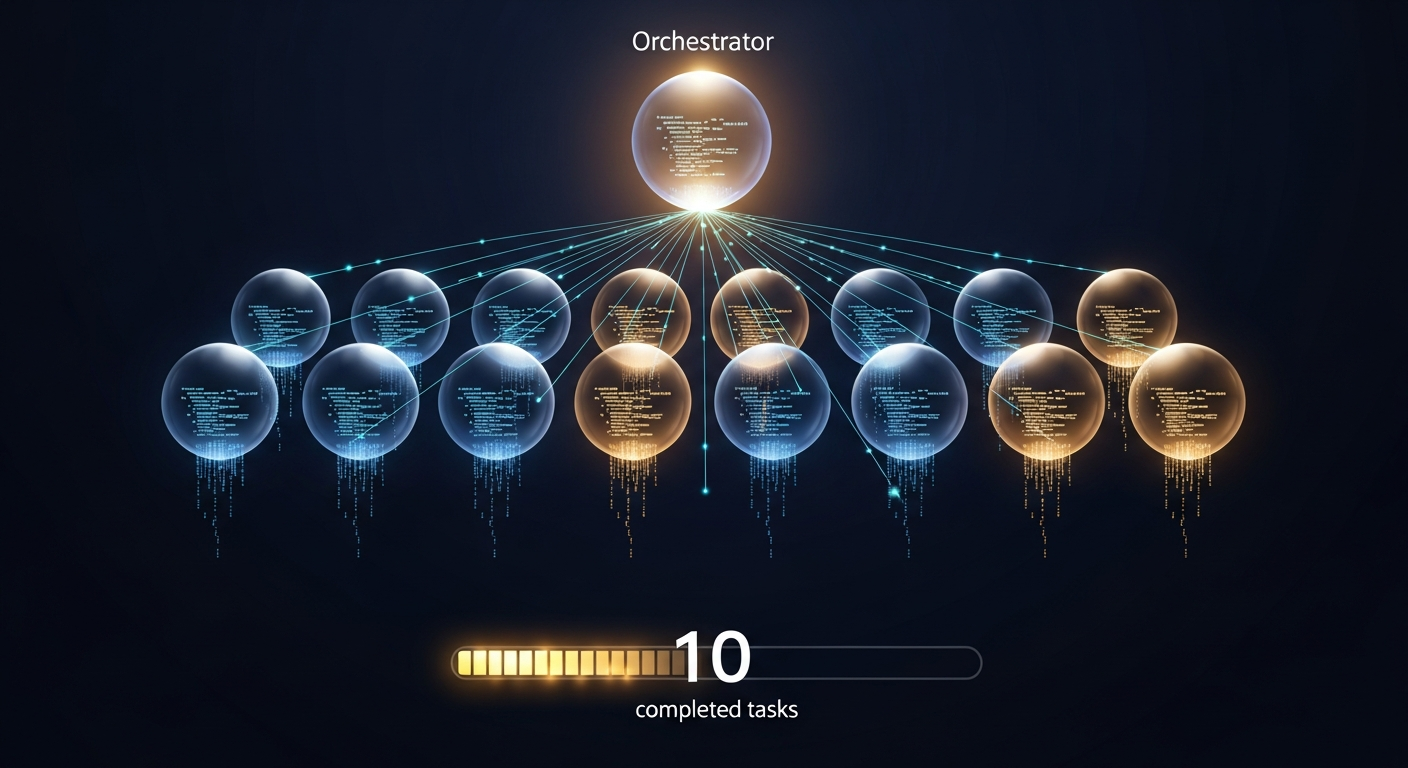
Claude Code officially supports up to 10 parallel background agents. Beyond that, tasks queue and execute as agents complete.
What AI review catches:
- 46% of runtime bugs (CodeRabbit benchmark)
- Pattern violations, style issues
- Security vulnerabilities (OWASP top 10)
What still needs humans:
- Business logic correctness
- Architectural fit
- Team-specific conventions
Getting Started Today
-
Create your first worktree:
git worktree add ../feature-x -b feature-x -
Create a custom subagent in
.claude/agents/reviewer.md -
Install GitHub integration:
/install-github-app -
Test @claude review on a PR
-
Scale up as you get comfortable with the workflow
The Bigger Picture
The AI agent ecosystem is experiencing what analysts call a "microservices revolution." Single all-purpose agents are giving way to orchestrated teams of specialists.
This isn't theoretical. It's happening now, in production codebases, delivering measurable productivity gains.
The architecture is clear: isolate with worktrees, specialize with subagents, coordinate with task files, automate with GitHub Actions.
The tools are mature. The workflows are proven.
The only question is whether you'll adopt them.
What multi-agent patterns have you tried? I'd love to hear what's working in your codebase.
Written by
Global Builders Club
Global Builders Club
If you found this content valuable, consider donating with crypto.
Suggested Donation: $5-15
Donation Wallet:
0xEc8d88...6EBdF8Accepts:
Supported Chains:
Your support helps Global Builders Club continue creating valuable content and events for the community.