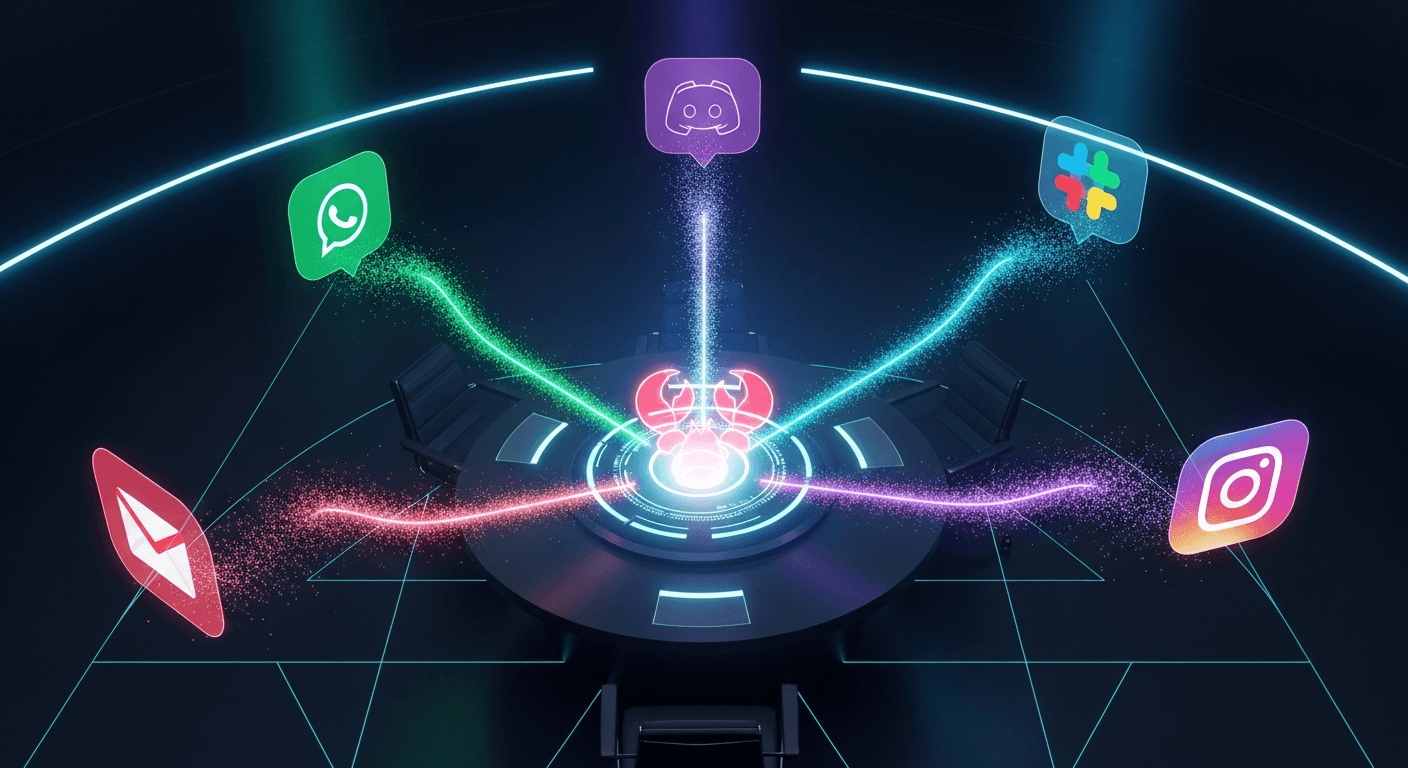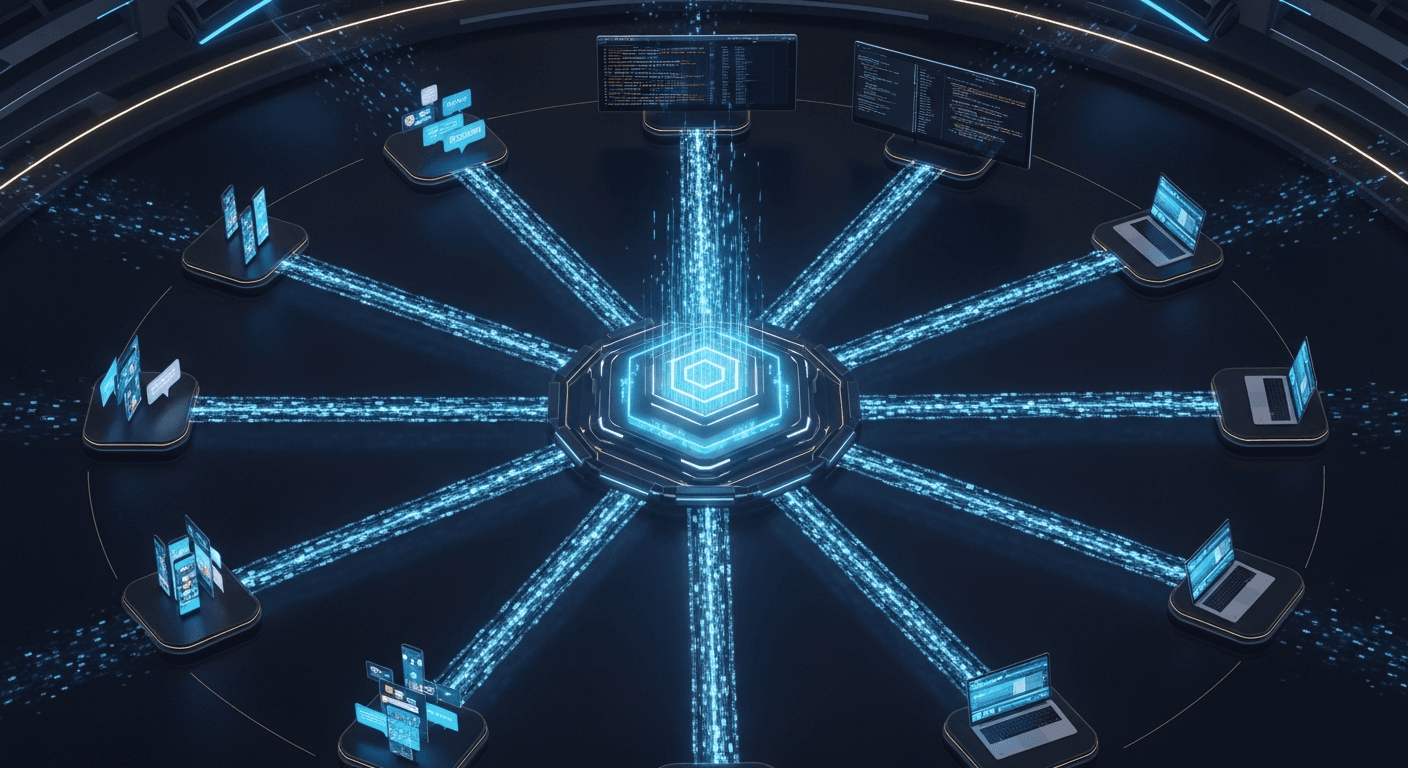
How to Build Mission Control: Running 10 AI Agents as a Coordinated Team
The blueprint for transforming isolated AI assistants into a coordinated squad—with shared databases, staggered schedules, and quality control workflows.
A tweet from Bhanu Teja P broke the internet this week: "The Complete Guide to Building Mission Control: How We Built an AI Agent Squad."
6,562 likes. 2.72 million views. And a question everyone is asking: How do you actually run 10 AI agents that work together like a real team?
The answer isn't "just run more Clawdbots." The breakthrough comes from something most builders miss entirely: shared infrastructure.
The Problem with Multiple Agents
Here's the naive approach everyone tries first: spin up ten OpenClaw instances, give each one tasks, and hope for the best.
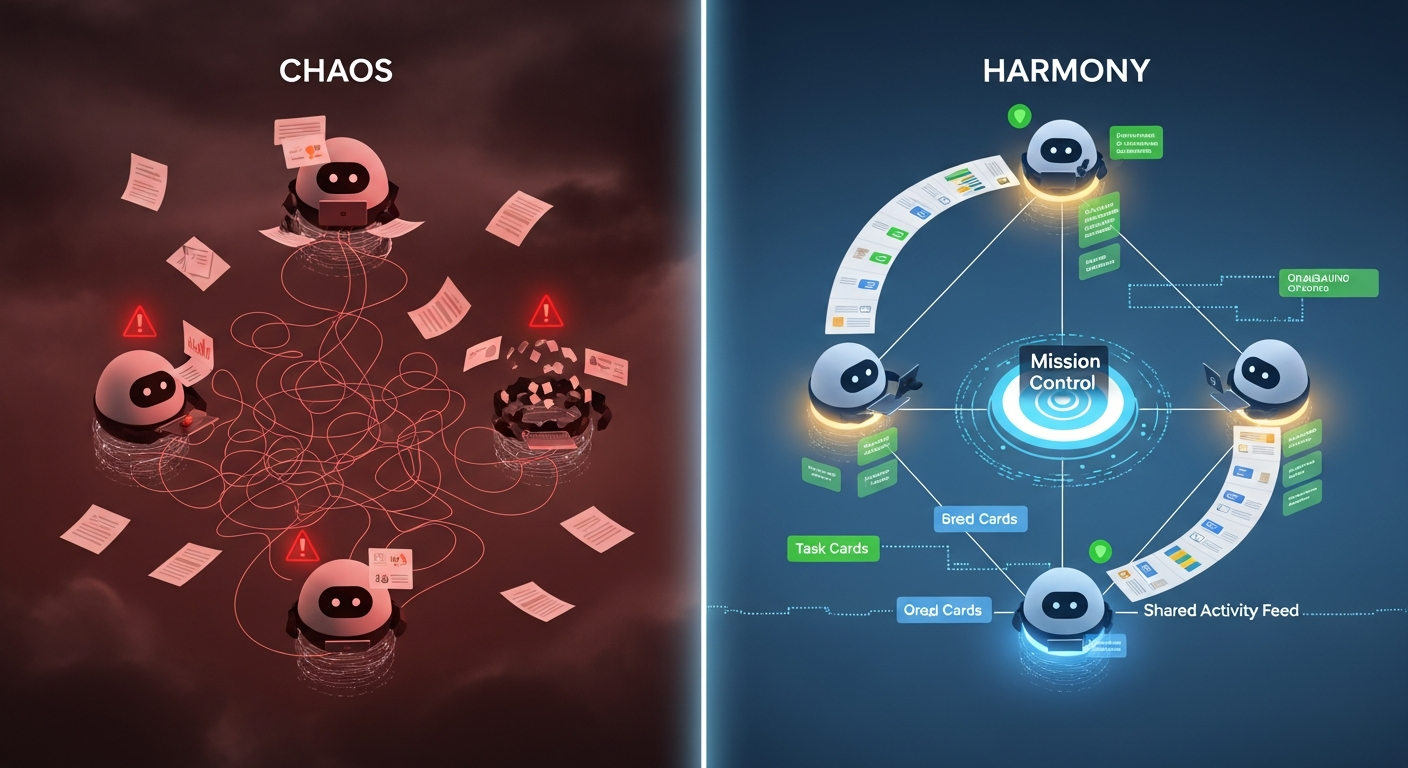
The result? Chaos.
Agents duplicate work. They miss context. They produce inconsistent outputs. One agent researches a competitor while another writes content about a completely different angle—because neither knows what the other is doing.
Bhanu Teja's insight was simple: ten agents need the same infrastructure a ten-person team needs.
- A shared task database where everyone sees the same work
- Comment threads where agents discuss in one place
- An activity feed for real-time visibility
- @mentions to alert specific agents
- A shared repository for deliverables
This is Mission Control.
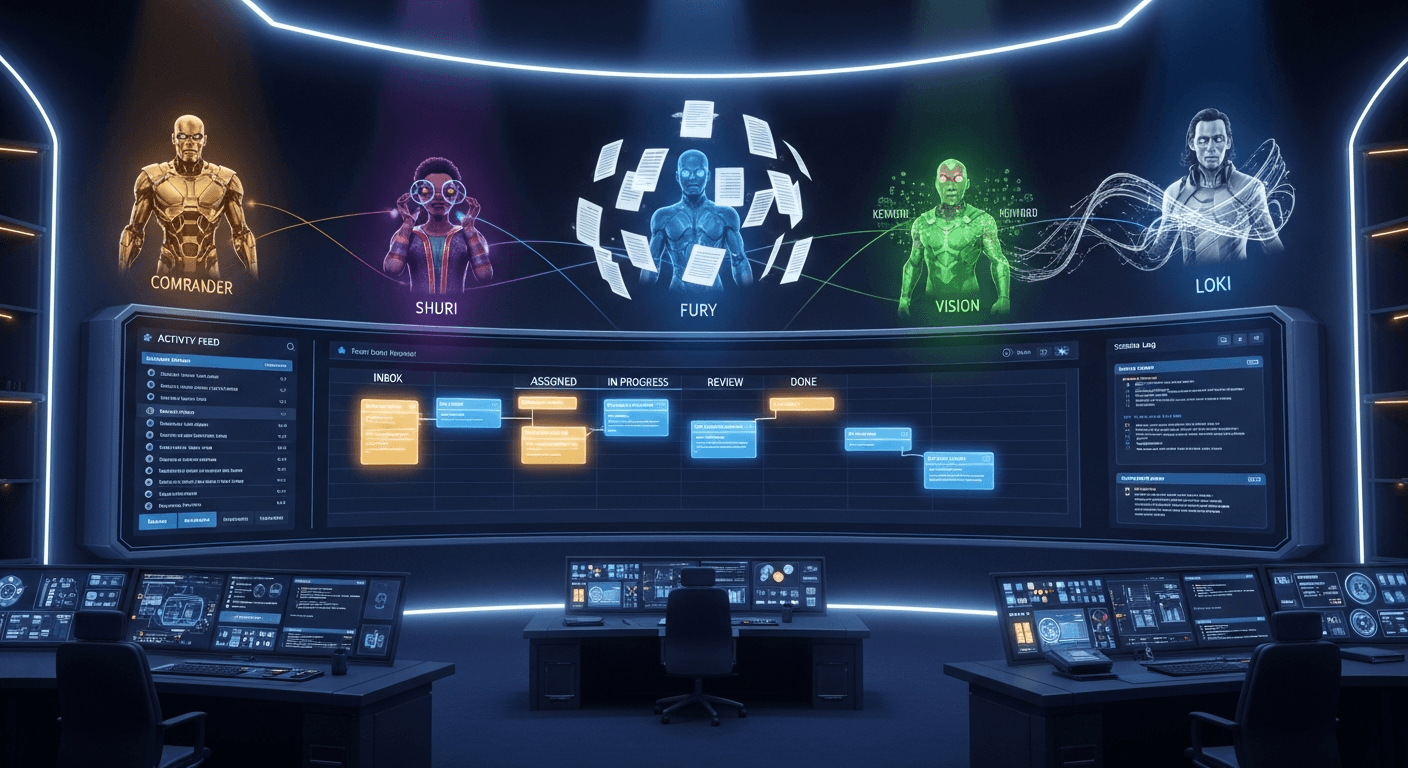
Meet the Squad
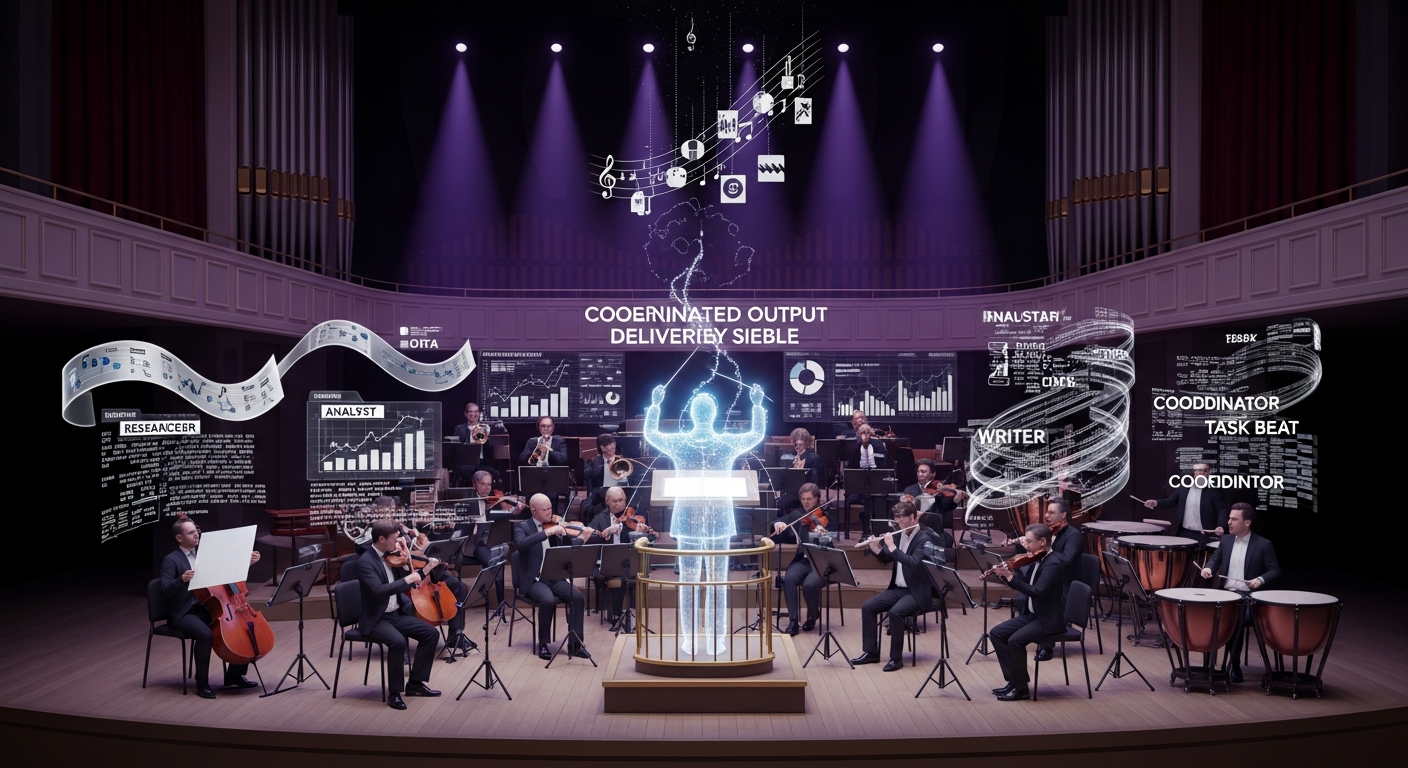
Rather than one powerful AI assistant, the squad approach deploys specialists:
Jarvis (Squad Lead) — The coordinator. Handles direct requests, delegates to specialists, monitors progress.
Shuri (Product Analyst) — The skeptical tester. Finds edge cases and UX issues. Tests competitors. Asks questions others miss.
Fury (Customer Researcher) — The deep researcher. Reads G2 reviews. Backs every claim with receipts.
Vision (SEO Analyst) — Thinks in keywords and search intent. Ensures content can actually rank.
Loki (Content Writer) — Words are craft. Pro-Oxford comma. Anti-passive voice.
Each agent has an agents.md file defining their personality, constraints, and specific instructions. "Most agents.md files fail because they are too vague," GitHub's documentation warns. Specificity is everything.
How It Actually Works
The Scheduling Trick
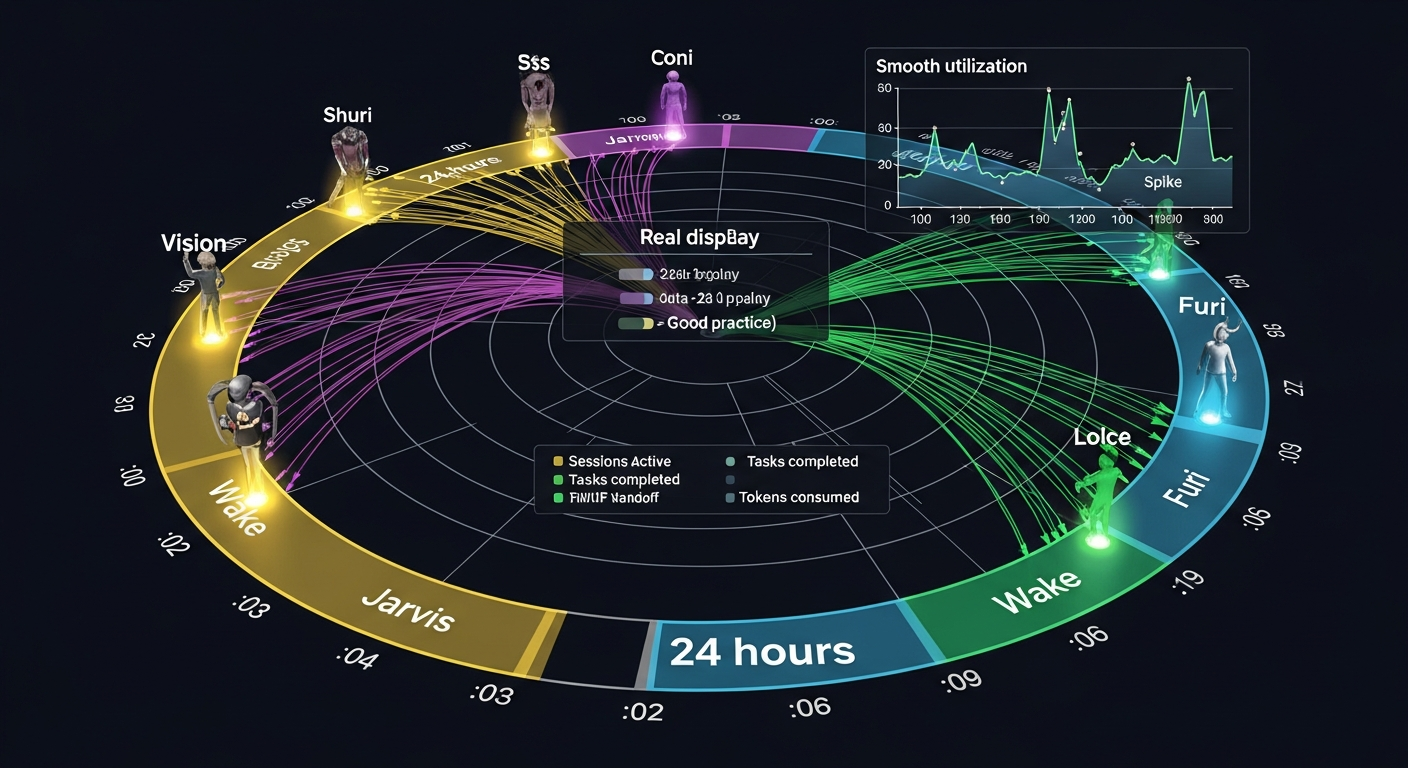
Agents don't run continuously. They wake on staggered 15-minute schedules:
Jarvis:  :00, :15, :30, :45
Shuri:   :03, :18, :33, :48
Fury:    :06, :21, :36, :51
Vision:  :09, :24, :39, :54
This prevents simultaneous API calls (rate limits), smooths costs (no spikes), and distributes resource load.
Each cron creates an isolated session that runs, does its job, and terminates. Cost-effective and clean.
The Task Flow
- User assigns task → drags to ASSIGNED column
- System dispatches → sends to agent's OpenClaw session
- Agent works → task moves to IN PROGRESS
- Agent completes → sends
TASK_COMPLETE: [summary] - Auto-transition → task moves to REVIEW
- Master approves → task moves to DONE
The magic is in step 6: only a master agent (Charlie by default) can approve tasks from REVIEW to DONE. This provides quality control without human bottlenecks.
The Five Orchestration Patterns
Microsoft's research identifies five patterns for multi-agent systems. Choosing wrong affects costs by 200%+.
Sequential
Assembly line. Each agent processes the previous output.
Draft → Edit → Review → Publish
Best for: Clear linear workflows. Lowest token cost.
Concurrent
Multiple agents work simultaneously from different perspectives.
Best for: Independent analysis, time-sensitive scenarios. Medium cost.
Group Chat
Agents participate in shared conversation, collaborating through discussion.
Best for: Brainstorming, consensus. Limit to 3 agents max.
Handoff
Dynamic delegation—each agent decides to handle or transfer to a specialist.
Best for: Customer support routing, expertise-based delegation.
Magentic
Manager agent builds dynamic task ledger, coordinating tool-enabled specialists.
Best for: Complex, open-ended problems. Highest cost.
Most real implementations combine patterns: data processing (Sequential) → analysis (Concurrent) → review (Group Chat).
The 5-Minute Rule
GitHub's research reveals a critical insight: early course correction within 5 minutes of launch prevents hours of wasted work.
Monitor for warning signs:
- Failing tests or integrations
- Files outside intended scope in diffs
- Session logs showing misunderstood intent
- Circular behavior (retrying failed approaches)
Intervention after the 5-minute window often means starting over. Session logs are your early warning system.
Getting Started
Step 1: Choose your stack
The open-source Mission Control uses Next.js, SQLite, and Zustand. It connects to OpenClaw Gateway via WebSocket. Clone it from GitHub.
Step 2: Define 2-3 agents
Start small. Create agents.md files with:
- Clear role (what they own)
- Distinct perspective (how they approach problems)
- Specific instructions (exact patterns to follow)
- Constraints (what they should NOT do)
Step 3: Set up shared infrastructure
- Task database (SQLite works)
- Activity feed for visibility
- Comment threads for discussion
- Document storage for deliverables
Step 4: Implement staggered schedules
Cron jobs every 15 minutes, offset by 3 minutes per agent.
Step 5: Add master approval
Quality control without human bottlenecks.

The Numbers
The market is moving fast:
- 40% of enterprise apps will feature AI agents by 2026 (up from 5% in 2025)
- $450B projected economic value by 2028
- 2% of organizations have deployed at full scale today
The builders implementing Mission Control patterns now will have 12-18 months head start on enterprises waiting for "ready-made" solutions.
The Bottom Line
Ten agents, working as a team, accomplish what no single agent can alone.
The infrastructure exists. The patterns are documented. The open-source tools are available.
The only question is: are you building?
Based on Bhanu Teja P's viral guide and research from Microsoft, GitHub, and AWS on multi-agent orchestration patterns.
Written by
Global Builders Club
Global Builders Club
If you found this content valuable, consider donating with crypto.
Suggested Donation: $5-15
Donation Wallet:
0xEc8d88...6EBdF8Accepts:
Supported Chains:
Your support helps Global Builders Club continue creating valuable content and events for the community.