How to Build Your Personal AI Infrastructure in 2026
The definitive guide to self-hosting AI agents, accessing dashboards remotely, and building systems that learn. OpenClaw, DigitalOcean, and the architecture that actually works.
How to Build Your Personal AI Infrastructure in 2026: OpenClaw, Digital Ocean, and the Architecture That Actually Works
The definitive guide to self-hosting AI agents, accessing dashboards remotely, and building systems that learn.
Something remarkable happened in early 2026. Multiple independent teams—building OpenClaw, Personal AI Infrastructure (PAI), Claude Code, and OpenCode—arrived at nearly identical architectural patterns. Skills. Hooks. Memory systems. Orchestration layers. They didn't coordinate. They converged.
This isn't coincidence. It's discovery. We've found the actual requirements for effective personal AI infrastructure.
I've spent the last week doing a deep dive on this convergence, studying the code, reading the documentation, and synthesizing the best practices. Here's everything you need to know to build your own personal AI system—from DigitalOcean deployment to security hardening to the philosophical foundations that make it all work.
The Rise of OpenClaw
OpenClaw is an open-source personal AI assistant created by Peter Steinberger, founder of PSPDFKit. Originally released as "Clawdbot" in late 2025, it became one of GitHub's fastest-growing repositories ever—surpassing 100,000 stars in just two months.
Then came the drama. Anthropic sent a trademark request, worried about confusion with their Claude brand. The project renamed to "Moltbot." DHH called the move "customer hostile," noting the irony that Moltbot users were driving Claude API revenue. Finally, in early 2026, the team settled on "OpenClaw"—explicitly model-agnostic and proudly open-source.
Today, OpenClaw sits at 142k+ stars with a clear value proposition: The AI that actually does things.
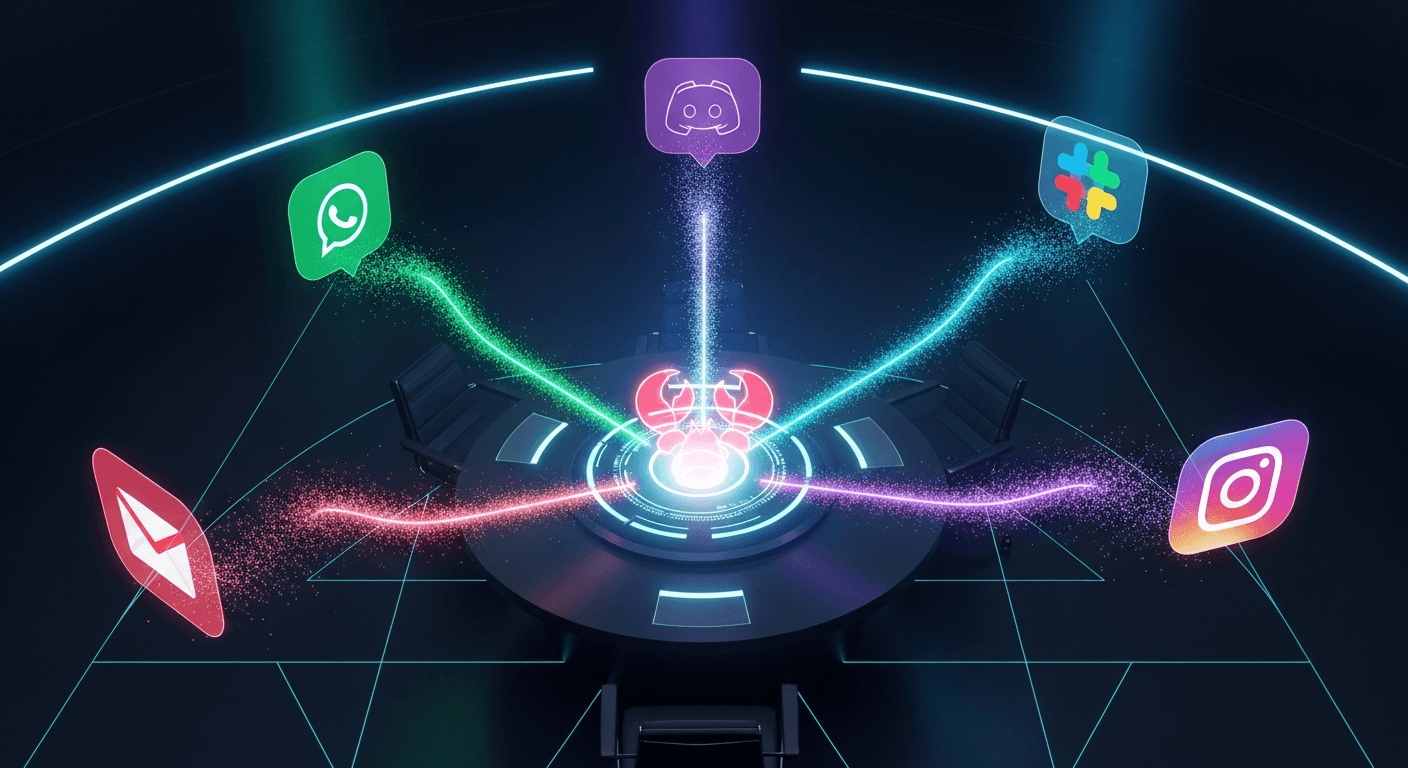
Unlike chatbots that live in browsers, OpenClaw lives on your hardware. It connects via WhatsApp, Telegram, Discord, Slack, Signal, and iMessage. It executes shell commands, manages files, browses the web, controls your calendar, and—with the "heartbeat" feature—proactively wakes up to help without being asked.
Think Samantha from Her. Think JARVIS from Iron Man. That's the territory OpenClaw enters.

Hosting on DigitalOcean: The 5-Minute Path
The fastest route to running your own OpenClaw instance is DigitalOcean's 1-Click Deploy. For $24/month, you get:
- Security-hardened Droplet with Docker container isolation
- TLS via Caddy with automatic LetsEncrypt certificates
- Firewall rules with fail2ban for background noise mitigation
- Token-based authentication for gateway access
If you prefer manual control, here's the 10-step process:
# 1. Create Ubuntu 24.04 Droplet (2GB RAM minimum)
# 2. SSH into your server
ssh root@YOUR_DROPLET_IP

# 3. Create a non-root user
adduser clawuser && usermod -aG sudo clawuser && su - clawuser

# 4. Install OpenClaw
npm install -g openclaw@latest

# 5. Run the onboarding wizard
openclaw onboard --install-daemon

# 6. Start the gateway
openclaw gateway --port 18789 --verbose
From here, you have a running OpenClaw instance. But how do you access it?
Accessing the Dashboard: SSH Tunnels and Tailscale
Critical rule: Never expose port 18789 directly to the internet.
The OpenClaw gateway handles sensitive operations—API keys, message routing, tool execution. Public exposure without authentication is an invitation for disaster.
Instead, use one of these approaches:
Option 1: SSH Tunnel (Most Secure)
From your local machine:
ssh -L 18789:127.0.0.1:18789 clawuser@YOUR_DROPLET_IP
Then open http://127.0.0.1:18789 in your browser. The dashboard appears as if it were running locally, but all traffic travels through your encrypted SSH connection.
Option 2: Tailscale (Most Convenient)
OpenClaw has built-in Tailscale support. Run the gateway with tailnet binding:
openclaw gateway --bind tailnet --token YOUR_TOKEN
Now your OpenClaw instance is accessible only within your Tailscale network—no port forwarding, no firewall rules, just your devices talking to each other.
Option 3: Railway 1-Click Deploy
If terminal commands aren't your thing, Railway offers a web-based setup wizard. One click, browser-based configuration, no CLI required. The tradeoff: less control over the underlying infrastructure.
The Security Reality
Here's the uncomfortable truth: 26% of community-created OpenClaw skills contain vulnerabilities.
Cisco researchers analyzed 31,000 skills from ClawHub and found security issues in more than a quarter of them. Prompt injection, credential leakage, unsafe shell execution—the attack surface is significant.
OpenClaw's own documentation states it clearly: "System prompt guardrails are soft guidance only. Hard enforcement comes from tool policy, exec approvals, sandboxing, and channel allowlists."
The Three Threats
- Root - Host compromise through container escape
- Agency - Unintended destructive actions from prompt injection
- Keys - Credential leakage through logs or transcripts
Defense in Depth
Layer 1: Access Control
Start with the most restrictive settings:
{
  "channels": {
    "whatsapp": {
      "dmPolicy": "pairing",
      "groups": { "*": { "requireMention": true } }
    }
  }
}
This requires pairing codes for DMs and mention-only activation in groups.
Layer 2: Sandboxing
Run untrusted sessions in Docker:
{
  "agents": {
    "defaults": {
      "sandbox": { "mode": "non-main" }
    }
  }
}
Layer 3: Regular Audits
openclaw security audit --deep --fix
This command identifies vulnerabilities and applies safe guardrails automatically.

The PAI Framework: Philosophy Meets Practice
While OpenClaw provides the runtime, Daniel Miessler's Personal AI Infrastructure (PAI) provides the philosophy.
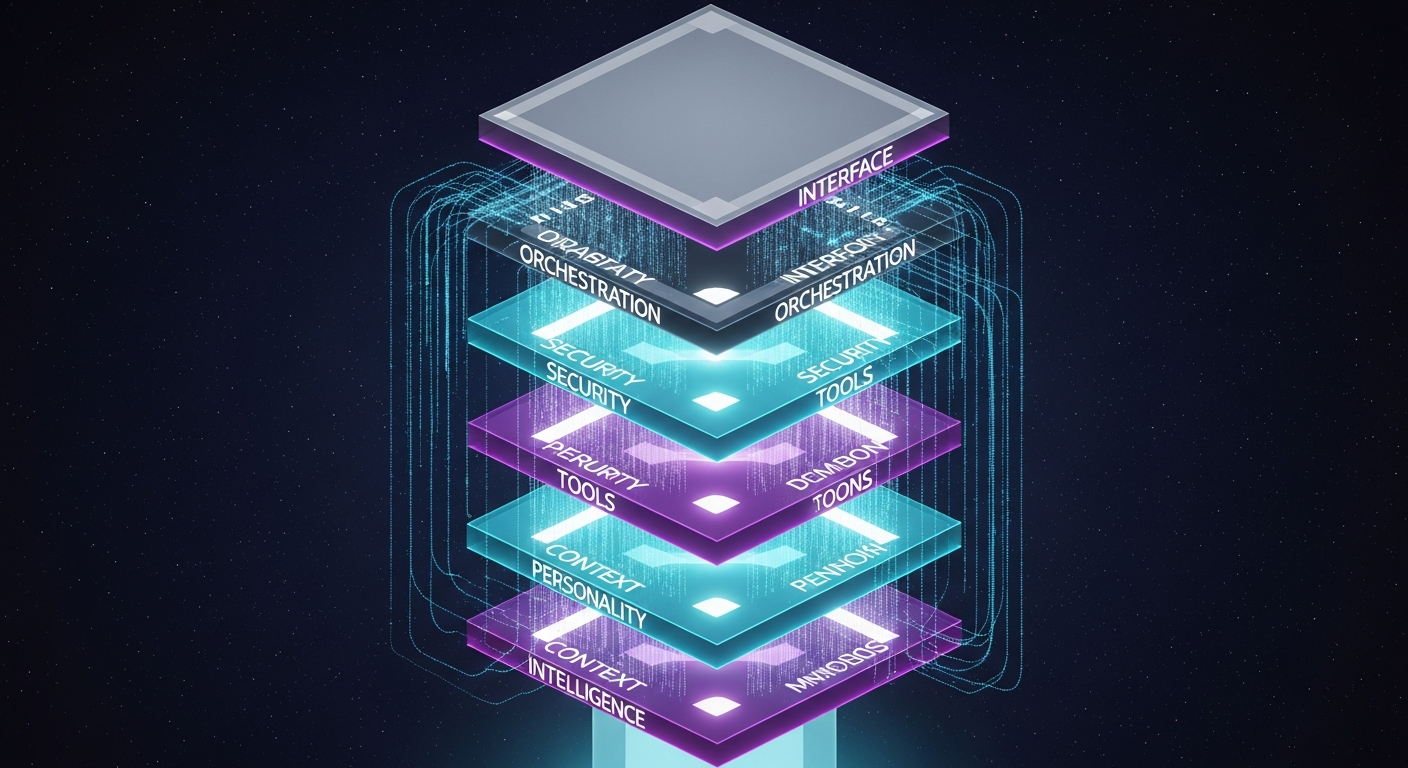
PAI isn't a replacement for Claude Code—it's what you build on top of it. The framework implements seven core components:
- Intelligence: Model + scaffolding (context, skills, hooks)
- Context: Three-tiered memory (session, work, learning)
- Personality: Quantified traits shaping interaction style
- Tools: Skills, MCP integrations, workflow patterns
- Security: Multi-layer defense
- Orchestration: 17 lifecycle hooks
- Interface: CLI-first with voice notifications
The guiding principle: "AI should magnify everyone—not just the top 1%."
The Memory Moat
PAI v2.4 has captured 3,540+ learning signals. Every interaction feeds a three-tier memory system:
| Tier | Purpose | Retention |
|---|---|---|
| Session | Conversation context | 30 days |
| Work | Project tracking | Persistent |
| Learning | Signals, ratings, failures | Permanent |
This is the moat. Generic chatbots reset with every conversation. Personal AI infrastructure accumulates intelligence. The longer you use it, the more valuable it becomes.
Scaffolding Over Models
Miessler's insight cuts against the hype: "I've seen Haiku outperform Opus because the scaffolding was good."
Stop chasing model releases. Invest in:
- Context management (what the AI knows about you)
- Skill development (what the AI can do)
- Workflow automation (how skills chain together)
The model is commodity. The infrastructure is differentiator.
The Hybrid Workforce
PAI doesn't just augment individuals—it creates hybrid teams.
At Unsupervised Learning, Miessler runs "Digital Employees" alongside human team members. Same GitHub issues. Same workflow. Same audit trail.
- Humans (Daniel, Matt): Strategy and judgment
- Digital Assistants (Kai, Veegr): One per human, running PAI
- Digital Employees (Kain, Finn, Mira, Teegan): Independent AI workers
AI picks up issue → executes task → closes with evidence. Human reviews. Cycle continues.
This isn't science fiction. It's running in production.

The Convergence Thesis
Here's what convinced me this architecture is real:
OpenClaw, PAI, Claude Code, and OpenCode—built by different teams, in different contexts, with different constraints—arrived at nearly identical patterns. Skills. Hooks. Memory. Orchestration.
When multiple independent efforts converge on the same solution, that solution is likely correct. We didn't design these patterns. We discovered them.
Getting Started: Your Path Forward
If You're an Individual Builder
- Deploy: DigitalOcean 1-Click ($24/month)
- Access: SSH tunnel or Tailscale (never public)
- Adopt: PAI's skill architecture
- Audit:
openclaw security audit --deep --fix - Learn: Feed context, rate interactions, build memory
If You're a Team Lead
- Orchestrate: GitHub issues as unified task management
- Isolate: Role-based agent access (personal/work/public)
- Containerize: Docker everything
- Vet: Audit community skills before deployment
If You're Enterprise
- Bounded agency: Human-in-the-loop for anything destructive
- Evaluate alternatives: Claude Code, n8n, Knolli offer more control
- Policy: Develop AI agent guidelines (like BYOD policies)
- Assume compromise: 26% vulnerability rate demands vigilance
The Bottom Line
Personal AI infrastructure isn't experimental anymore. It's production-ready with:
- Proven architecture (converged independently across projects)
- Clear hosting path ($24/month on DigitalOcean)
- Mature security practices (when followed)
- Philosophical foundation (PAI's seven components)
The convergence of OpenClaw, PAI, Claude Code, and OpenCode proves these patterns work. The 142k stars prove people want them. The 26% vulnerability rate proves we need to be careful.
The personal AI revolution isn't coming. It's here. The only question is whether you'll build your infrastructure—or let someone else build it for you.
Ready to dive deeper? Check out the OpenClaw documentation, PAI GitHub repository, and DigitalOcean's 1-Click Deploy.
Written by
Global Builders Club
Global Builders Club
If you found this content valuable, consider donating with crypto.
Suggested Donation: $5-15
Donation Wallet:
0xEc8d88...6EBdF8Accepts:
Supported Chains:
Your support helps Global Builders Club continue creating valuable content and events for the community.