Terminal Ai Agents
I analyzed every major terminal AI agent with 300,000+ combined GitHub stars. The era of memorizing obscure bash commands is over. Here's what's actually worth using in 2026.
title: "The Complete Guide to Terminal AI Agents: From English to Shell Commands" slug: "terminal-ai-agents-guide-2026" excerpt: "I analyzed every major open-source terminal AI agent with 300,000+ combined GitHub stars. Here's what's actually worth using—and where the ecosystem is heading." coverImage: "/images/blog/terminal-ai-agents-guide-2026-hero.png" category: "AI" author: "Global Builders Club" authorName: "Global Builders Club" publishedAt: "2026-01-31" tags: ["AI", "Developer Tools", "Terminal", "Open Source", "Productivity"] readingTime: 8 featured: true
I analyzed every major terminal AI agent with 300,000+ combined GitHub stars. The era of memorizing obscure bash commands is over. Here's what's actually worth using in 2026.
You're staring at your terminal. You need to find all files modified in the last week, excluding node_modules, sorted by size. You know it involves find, xargs, maybe sort... but the exact flags? That's a Stack Overflow search.
Not anymore.
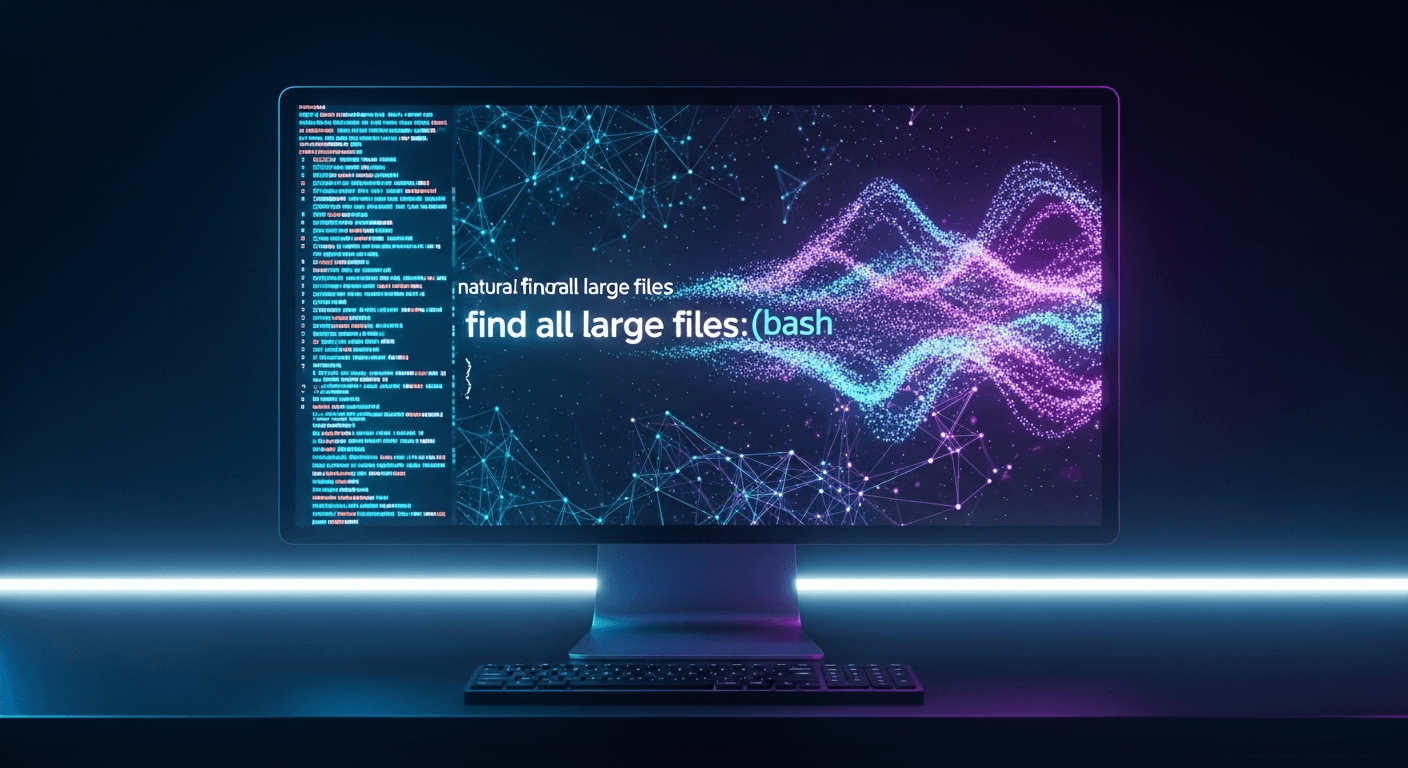
"Find files modified in the last 7 days, exclude node_modules, sort by size descending."
The AI generates: find . -type f -mtime -7 -not -path "*/node_modules/*" -exec ls -lS {} + | sort -k5 -rn
This is the new terminal.
I spent the last month analyzing every major open-source terminal AI agent. Here's what I found—and what it means for how you work.
The Landscape: Who's Winning
First, the numbers. These are the top terminal AI tools by GitHub stars:
| Tool | Stars | Primary Use Case |
|---|---|---|
| Gemini CLI | 93,100 | Google's all-in-one terminal AI |
| GPT Engineer | 54,600 | Spec-to-code generation |
| Aider | 40,200 | AI pair programming |
| Fabric | 38,700 | Prompts as code |
| Goose | 29,600 | Privacy-first autonomous agent |
| ShellGPT | 11,700 | Shell command generation |
| AIChat | 9,200 | Multi-LLM terminal client |
| AI Shell | 5,200 | Simple command translation |
But stars don't tell the whole story. Let me break down what each tool actually does well.
The Command Translators: When You Just Need the Syntax
AI Shell: The Simplest Option
AI Shell by BuilderIO is deliberately minimal. One npm install, one job: describe what you want, get a shell command back.
npm install -g @builder.io/ai-shell
ai "list all running docker containers with their memory usage"
You get the command with an explanation. Then you choose: Run it, revise it, or cancel. That's it. No configuration rabbit holes. No feature overwhelm.
Best for: Developers who want occasional AI help without changing their workflow.
ShellGPT: The Power User's Choice
ShellGPT pioneered something brilliant: shell buffer injection. Press Ctrl+L, describe what you want, and the command appears directly in your shell—ready to edit before executing.
The tool is OS-aware. Ask to "update my system" and you get sudo apt update && sudo apt upgrade -y on Ubuntu, but softwareupdate -i -a on macOS.
Sessions persist. Context carries over. It feels like the terminal learned to understand you.
Best for: Developers who live in Bash/ZSH and want AI seamlessly integrated.
AIChat: The Universal Adapter
AIChat takes a different approach: support everything. Twenty-plus LLM providers—OpenAI, Claude, Gemini, Ollama, Groq, Azure, you name it. Switch between them mid-conversation.
The "Shell Assistant" mode specifically targets command generation, but AIChat goes further. It includes RAG (Retrieval-Augmented Generation), a built-in HTTP server, and an LLM playground. It's practically a CLI version of OpenAI's GPTs.
Best for: Developers who want maximum flexibility and don't want to choose a single LLM provider.
The Agentic Systems: When AI Should Just Do It
Here's where things get interesting. These tools don't just suggest commands—they execute multi-step workflows autonomously.
Goose: Privacy-First Autonomy
Goose by Block (the company behind Square and Cash App) was designed for industries where data privacy is non-negotiable. Finance. Healthcare. Government.
Goose runs entirely on your machine. No cloud calls unless you explicitly want them. It supports 25+ LLM providers, including local models via Ollama.
In December 2025, Block contributed Goose to the Linux Foundation's Agentic AI Foundation—alongside Anthropic's MCP and OpenAI's AGENTS.md. This isn't just another tool. It's becoming infrastructure.
The key difference: Goose doesn't just generate commands. It executes them, reads the output, and iterates until the task is complete. Tell it to "set up a new React project with TypeScript and Tailwind" and it will actually do it—creating files, running npm commands, fixing errors.
Best for: Enterprise developers and anyone working with sensitive data.
gptme: The Open Source Claude Code
gptme positions itself as "an unconstrained local free and open-source alternative to Claude Code, Codex, Cursor Agents."
What makes it special:
- Browser automation via Playwright—it can research the web
- Vision capabilities—it understands screenshots
- Persistent agents—autonomous sessions that run for hours
- A "lessons system"—contextual guidance automatically integrated when relevant
The project has logged 1000+ autonomous sessions. It has a web UI at chat.gptme.org. It's the most feature-rich open-source option available.
Best for: Developers who want Claude Code capabilities without the subscription.
The Prompt Engineers: Treating AI Instructions as Code
Fabric: The 38,700-Star Revolution
Fabric changed how I think about AI prompts.
The insight is simple but profound: prompts deserve version control. They should be stored as files, tracked in git, shared between team members, and improved over time.
Fabric implements this with "Patterns"—markdown files containing AI instructions for specific tasks. Summarizing content. Extracting video insights. Explaining code. Generating documentation.
fabric --pattern summarize < article.txt
cat transcript.txt | fabric --pattern extract_wisdom
The pattern library is crowdsourced. The format is standard markdown. And suddenly prompts aren't throwaway chat messages—they're engineering artifacts.
Best for: Anyone who wants to build a personal library of reusable AI workflows.
The Big Insight: MCP Changes Everything
Buried in my research was a development that matters more than any individual tool: the Model Context Protocol (MCP).
MCP is a standard for connecting AI agents to external tools and data sources. Gemini CLI supports it. Goose supports it. gptme supports it.
In December 2025, Anthropic's MCP, OpenAI's AGENTS.md, and Block's Goose were all contributed to the Linux Foundation's Agentic AI Foundation.
Why this matters: MCP is becoming the "USB" of AI agents.
Before USB, every peripheral needed its own port. Before MCP, every AI tool needed custom integrations. With MCP, you could theoretically use:
- Fabric's prompts for workflow definitions
- Goose's execution engine for running tasks
- Aider's git integration for code changes
- Custom tools you build yourself
All connected through a single protocol.
The era of monolithic AI tools is ending. The era of composable AI is beginning.
What's Missing: The Opportunity
After analyzing the entire ecosystem, here's what doesn't exist yet:
1. Voice-to-Shell
Only Aider has serious voice input support. Imagine: "Hey terminal, what's using port 8080?" or "Deploy to staging and notify the team."
ShellGPT's Ctrl+L pattern could easily extend to Ctrl+M for microphone. The technology exists. The integration doesn't.
2. Personal AI Runbooks
Traditional runbooks are static documentation. But combining Fabric's patterns + shell integration + git-stored history could create something new: executable, context-aware runbooks that improve themselves over time.
You document a deployment process as markdown prompts. The AI executes them. When something fails, the runbook updates with the fix. Compound improvement.
No tool does this yet.
3. Web-Based Prompt Management
Warp Terminal has "Warp Drive"—saved prompts with shortkeys, team sharing, web access. But Warp is commercial.
An open-source equivalent—Fabric patterns with a web dashboard and sync—would be valuable.
My Actual Setup
After all this research, here's what I actually use:
- ShellGPT for quick commands. Ctrl+L is muscle memory now.
- Fabric for complex workflows. My patterns folder is version-controlled.
- Claude Code for deep codebase tasks. When I need the AI to understand the whole project.
- Ollama for private/offline work. Local models when I can't send data to the cloud.
I don't choose one tool. I stack them.
The Bottom Line
The terminal AI revolution is real and accelerating. The basic problem—converting English to shell commands—is solved. Every tool in this guide does that well enough.
The interesting questions now are:
- How do you integrate AI into your existing workflow? (ShellGPT's hotkeys)
- How do you store and share AI prompts? (Fabric's patterns)
- How do you maintain privacy with sensitive data? (Goose's on-machine processing)
- How do you compose tools together? (MCP standardization)
The developers building prompt libraries today will have compound advantages tomorrow. The terminal isn't dying—it's becoming intelligent.
Start simple. Pick one tool from this guide. Use it for a week. Then expand.
The command line has never been more powerful.
Quick Reference
Just need commands? → AI Shell or ShellGPT
Want maximum LLM flexibility? → AIChat
Need privacy/enterprise? → Goose
Want autonomous task execution? → gptme
Building a prompt library? → Fabric
Have budget for premium features? → Warp Terminal
What's your terminal AI setup? Share it in the comments or tag us on Twitter.
Written by
Global Builders Club
Global Builders Club
If you found this content valuable, consider donating with crypto.
Suggested Donation: $5-15
Donation Wallet:
0xEc8d88...6EBdF8Accepts:
Supported Chains:
Your support helps Global Builders Club continue creating valuable content and events for the community.